February PhishQueue Phishing News
“DocuSign or DocuScam? PhishQueue to the rescue”
New Phishing Campaign Uses Fake DocuSign Notifications to Deliver Malware and Steal Information
The Growing Threat
What’s Going On?
Cybercriminals are using fake DocuSign notifications to trick people into clicking links that lead to harmful outcomes. These emails appear to be legitimate requests to review or sign a document. When users click the link, they are taken to a fake page that may ask for login information or prompt them to download malicious files.
Because many people use DocuSign for legitimate business, these messages can appear trustworthy and urgent.
How It Works:
1. You receive an email that appears to come from DocuSign asking you to review or sign a document.
2. The message contains a button such as Review Document.
3. When you click the button, you are redirected to a fake website.
4. The site may ask for your credentials or prompt a download.
5. If you enter your information or open the file, attackers capture your data or install malware.
Why It Is Dangerous:
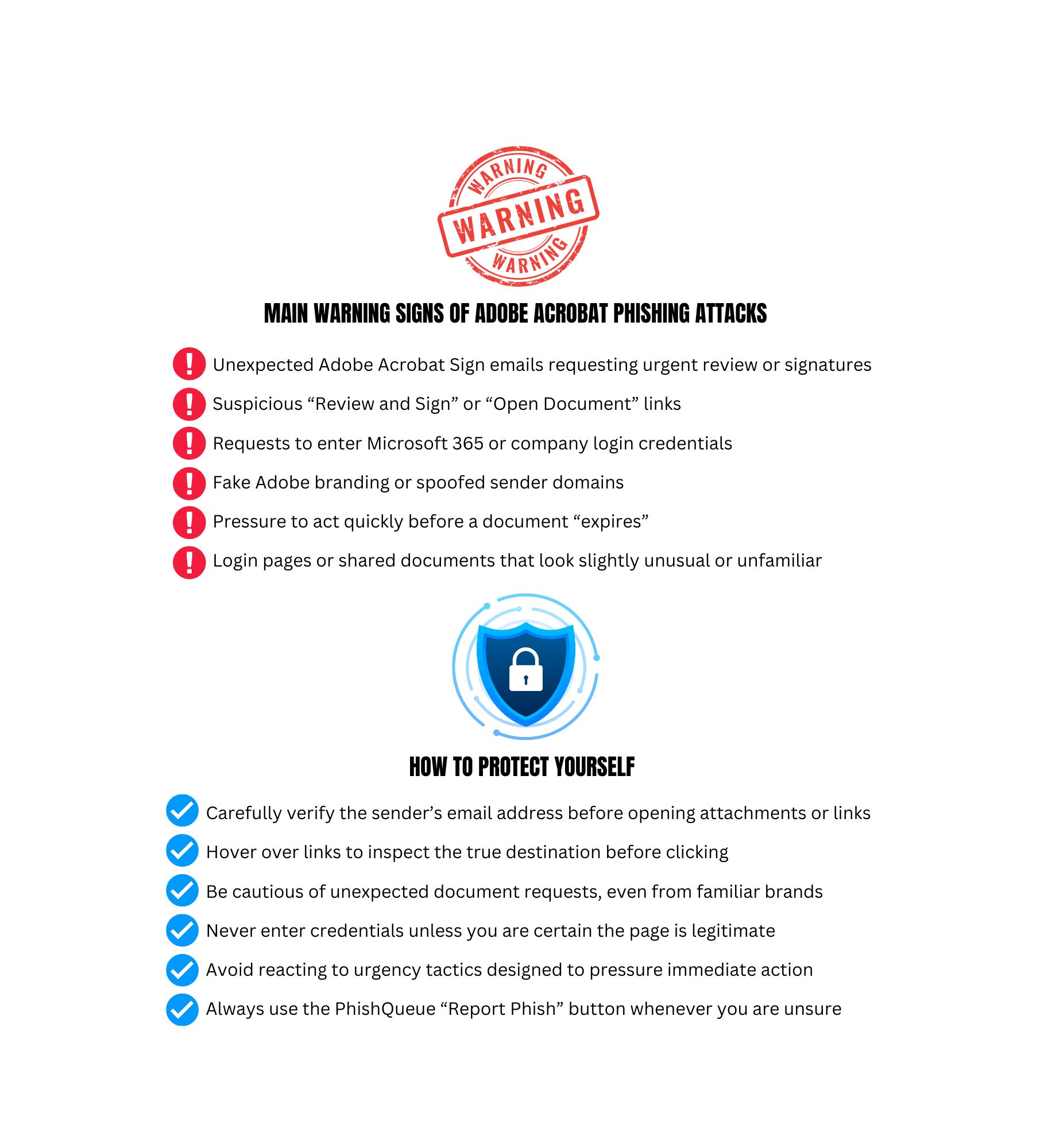
- The emails use familiar branding and professional formatting.
- The request often appears urgent, encouraging quick action
- Stolen credentials can allow attackers to access email and other company systems.
- Malware infections can spread beyond one device.
Attackers can silently take over trusted email accounts, hide their activity, and spread phishing internally, turning one mistake into a widespread breach.
Sources: Advance Phishing Scams Leveraging Notifications
🛡️ Your Best Defense: The safest response is simple. Do not guess, submit it.
If you receive an unexpected DocuSign request, use the PhishQueue Report Phish button immediately.
📌 Remember: PhishQueue will analyze the message and confirm whether it is legitimate or malicious.
_____________________________________
🤖 New Phishing Attack Impersonate as DocuSign Deploys Stealthy Malware on Windows Systems
🔍 Example: New phishing campaign impersonates DocuSign emails to trick users into downloading malware through an access-code protected, multi-stage infection chain designed to evade automated detection.
🤖 DocuSign “Document Review Notification” Email Scam Explained
🔍 Example: This scam impersonates a legitimate DocuSign “Document Review” email to trick users into clicking a fake link that redirects to a spoofed Gmail login page, where attackers steal email credentials.
🤖 Threat Actors Deploy Fake DocuSign Notifications to Harvest Corporate Data
🔍 Example: Cybercriminals are increasingly exploiting DocuSign’s trusted brand and massive global user base through sophisticated phishing campaigns.
🚨 The Bottom Line
Cybercrime is ever-evolving.
👉 Protect yourself with PhishQueue.
______________________________________________________
Quick Tips to Stay Safe:
- Be cautious of unexpected document requests.
- Verify the sender before clicking.
- Avoid downloading attachments you were not expecting.
- Report the email to PhishQueue when you are unsure.
______________________________________________________
🎭 Phishing Joke of the Month
💡Why do attackers love fake DocuSign emails?
👉 Because people see “Please sign” and forget to read. 😆
Cybersecurity is serious, but staying informed does not have to be dull!
Stay vigilant,
The PhishQueue Team